WatchGuard Mobile VPN Access Control Strategy
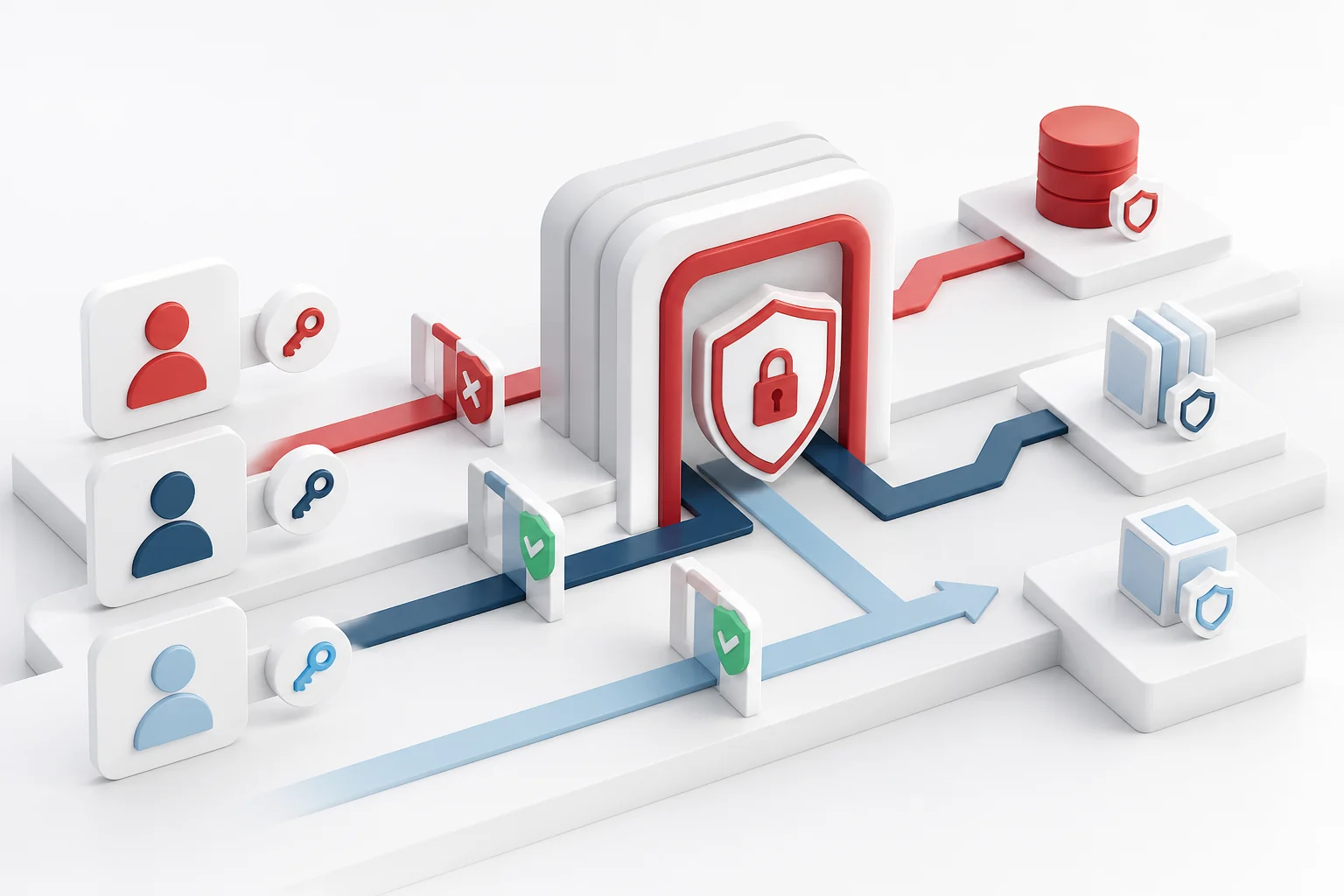
A VPN tunnel creates a path, but authorization decides where that path leads. Effective access control begins with business need and translates it into identity groups, network objects, and readable Firebox policies. Granting broad access because it is convenient increases the impact of stolen credentials, malware, and ordinary mistakes.
Inventory resources and owners
List the applications, file services, management interfaces, and shared systems that remote roles require. Record a business owner, technical owner, destination, protocol, sensitivity, and expected user group. This turns vague requests for “network access” into decisions that can be approved and reviewed.
Build roles around real work
Groups should describe stable responsibilities rather than individual people. Finance, support, engineering, and external contractors rarely need identical destinations. A role model lets administrators change membership without rewriting every network rule. Exceptions should have a reason, owner, and expiration date.
Apply least privilege
Allow only the sources, destinations, and services needed for a role. Administrative systems deserve separate privileged identities and stronger controls. Emergency access can exist, but it should be time-limited, approved, logged, and reviewed immediately after use. Least privilege is not about blocking work; it removes routes unrelated to the task.
Connect identity and policy
Strong authentication confirms an identity, while authorization limits that identity. MFA cannot repair an overbroad group. Directory membership, Firebox groups, and policies must be mapped and tested together. The general WatchGuard Mobile VPN with SSL page explains this chain without replacing local design documentation.
Manage the full lifecycle
Hiring, role change, leave, contractor renewal, and departure should trigger predictable access actions. A transfer must remove old privileges as well as add new ones. Temporary access should expire automatically unless an owner approves extension. Revocation must reach every component that can continue a session.
Write policies people can audit
Give each rule a clear name, purpose, owner, and request reference. Keep network objects current and review rule order so a broad earlier rule does not override a later restriction. Test both allowed and denied cases with representative accounts before production rollout.
Use logs as feedback
Authentication and traffic records can reveal repeated denied destinations, unused groups, abnormal hours, and policies that no longer match work. Collect only necessary data, protect it, define retention, and limit access. Logs should support troubleshooting and review without becoming an uncontrolled store of personal activity.
Review with resource owners
Periodic certification should present understandable information: user, role, resource, reason, last confirmation, and expiration. Business owners decide whether access remains necessary; technical teams implement that decision. Measures such as expired exceptions, orphaned policies, late revocations, and unused privileges highlight process weakness.
Prepare for compromise
Teams need a rapid way to disable an account, end sessions, preserve evidence, and identify affected resources. Narrow policies contain the event while responders investigate. Exercises should confirm that contact details, ownership, and revocation steps work outside normal office hours.
Good WatchGuard Mobile VPN access control is a maintained agreement between business purpose and technical enforcement. Clear roles, limited policies, strong identity, expiration, observation, and review keep remote connectivity useful without turning it into a parallel unrestricted network entrance.